Capture your screen, games, and devices with precision
Bandicam is built for creators, trainers, gamers, and IT teams who need reliable recording at scale. From 4K gameplay to internal training videos, it combines high quality output with lightweight performance and fast exporting.
- Record full screen, window, or custom area with instant hotkeys.
- Hardware acceleration reduces CPU load for smooth sessions.
- Optimized file sizes make sharing and storage easier.
Use cases
Built for every recording workflow
Gameplay & YouTube content
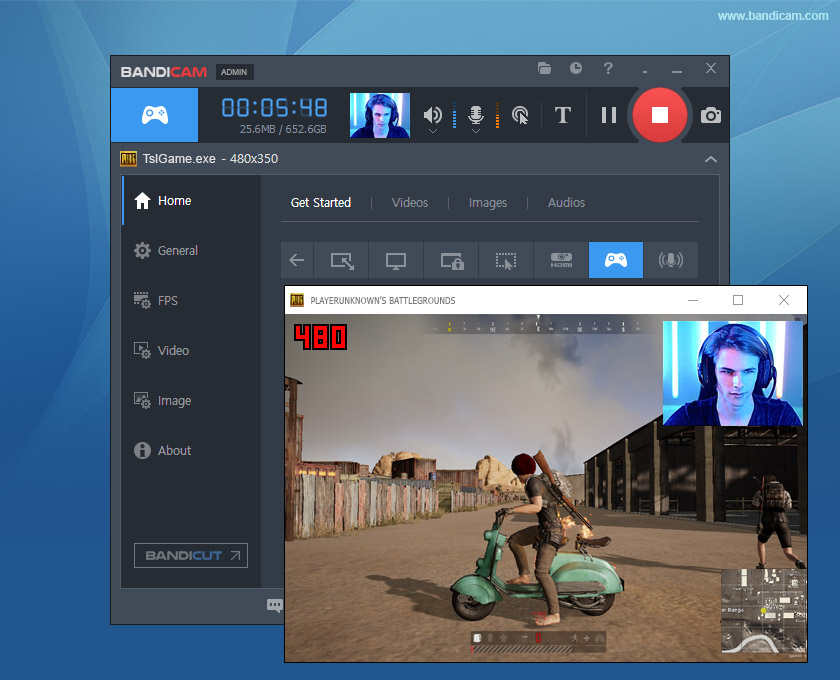
Capture high FPS gameplay, add webcam overlays, and export optimized MP4 files ready for upload.
Training & onboarding
Create internal walkthroughs, record software demos, and share lightweight videos across teams.
Issue reproduction
Capture precise steps for bugs and troubleshooting. Export clips with minimal CPU impact.
Workflow
From capture to publish in minutes
Choose recording mode
Screen, Game, or Device. Select window, region, or full display with multi-monitor support.
Optimize performance
Enable NVENC, Quick Sync, or AMD VCE/VCN to reduce CPU load and keep FPS stable.
Enhance recordings
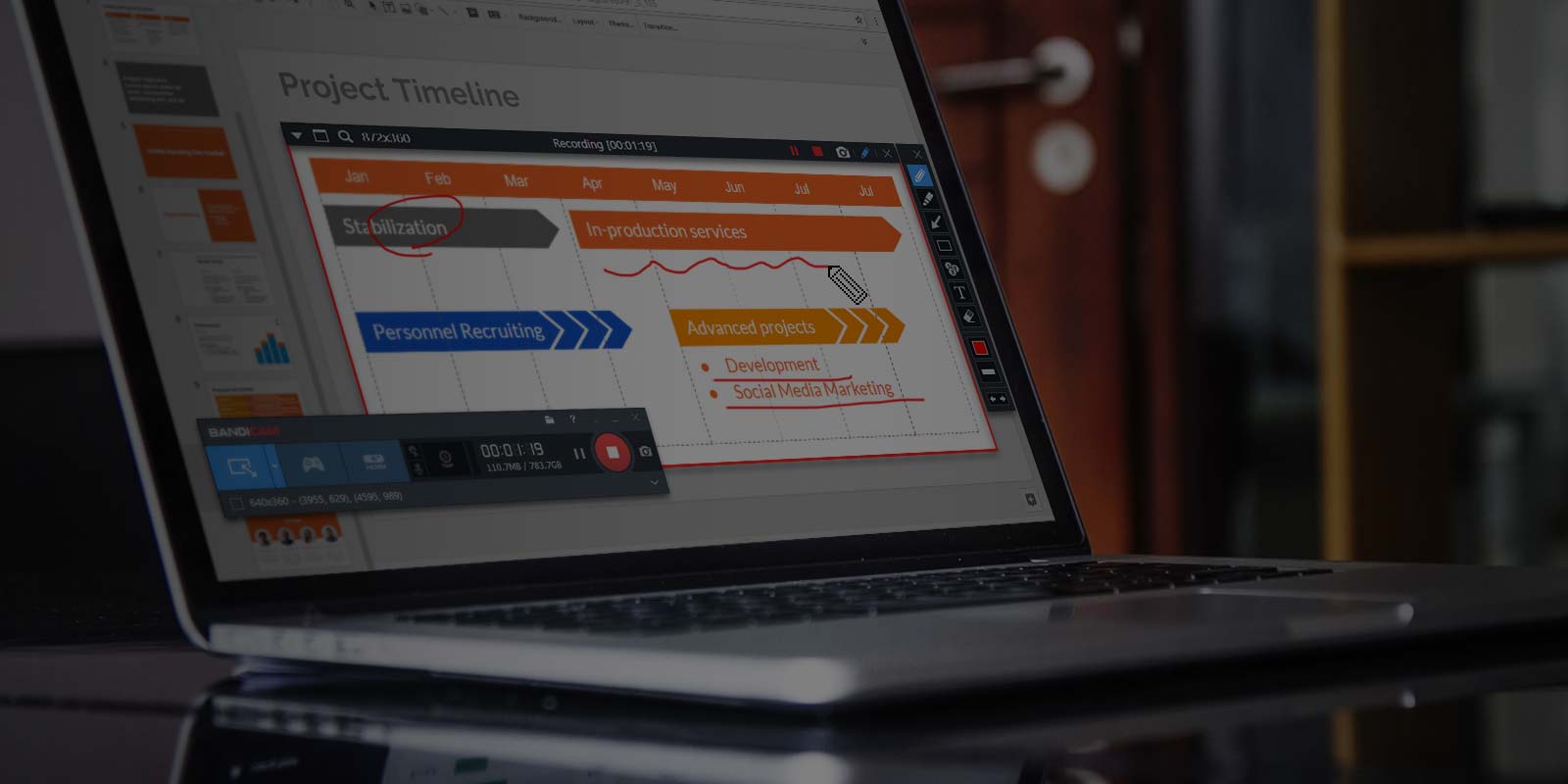
Add webcam overlays, mouse effects, and real-time drawing without post-processing.
Share instantly
Export to MP4/AVI and upload to YouTube or share files directly with your team.
Recommended settings for reliable capture
For low-end PCs, reduce FPS or enable hardware encoding to keep recordings smooth.
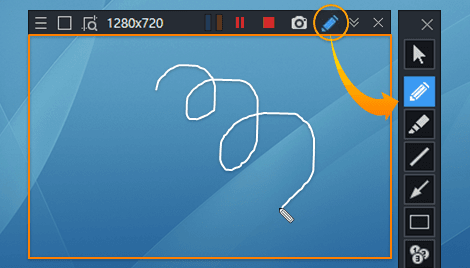
Real-time drawing and mouse effects
Why Bandicam
Built for quality and performance
Bandicam compresses video in real time using H.264, HEVC, or AV1 (with GPU support). Record for 24+ hours, mix system audio and microphone, add mouse effects, and upload directly to YouTube without re-encoding. Features · Compare
About
Professional screen and game recording
Bandicam is a screen and game recorder for Windows that captures your desktop, gameplay, and external devices in high quality. Three modes: Screen (full screen, window, or custom area), Game (DirectX, OpenGL, Vulkan — up to 480 FPS and 4K with minimal impact), and Device (webcam, HDMI, IPTV, consoles). Output: MP4 or AVI. Start/stop with F12.
File sizes are typically 20–95% smaller than many other tools at similar quality. Download · Guides · Troubleshooting · Compare
Quick links
- Features — Game, screen, device, hardware encoding
- Guides — Record screen, games, webcam, upload
- System requirements — Windows, CPU, RAM
- FAQ — Safety, codecs, 4K, watermark
- Trust & Security — Legal use, transparency
Features
Everything you need to record
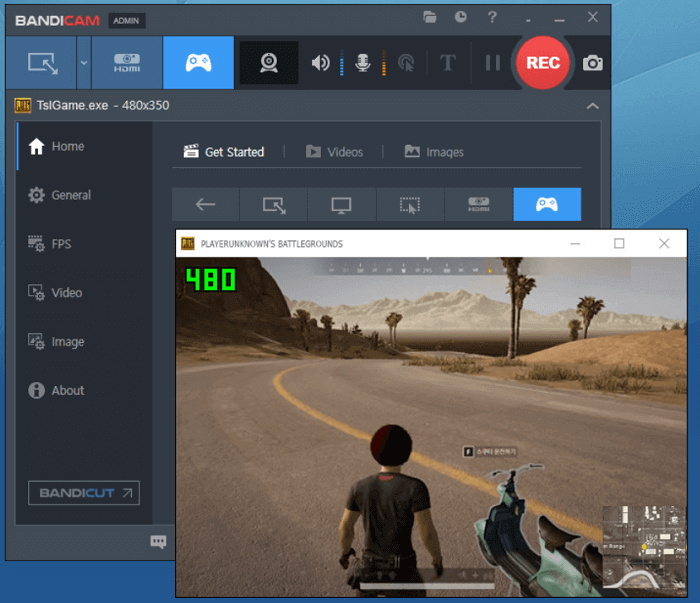
Game recording
DirectX, OpenGL, Vulkan. Record 2D/3D games with minimal FPS loss. Up to 480 FPS and 4K UHD.
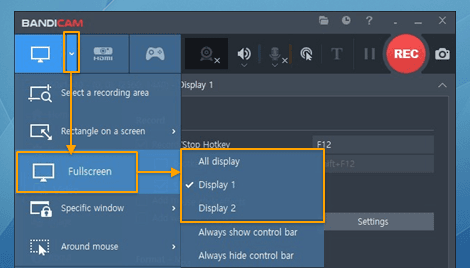
Screen recording
Full screen, window, or custom area. Multi-monitor and auto-detect video regions.
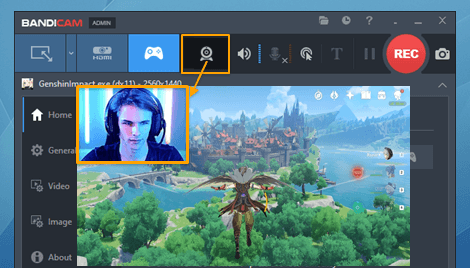
Webcam & device
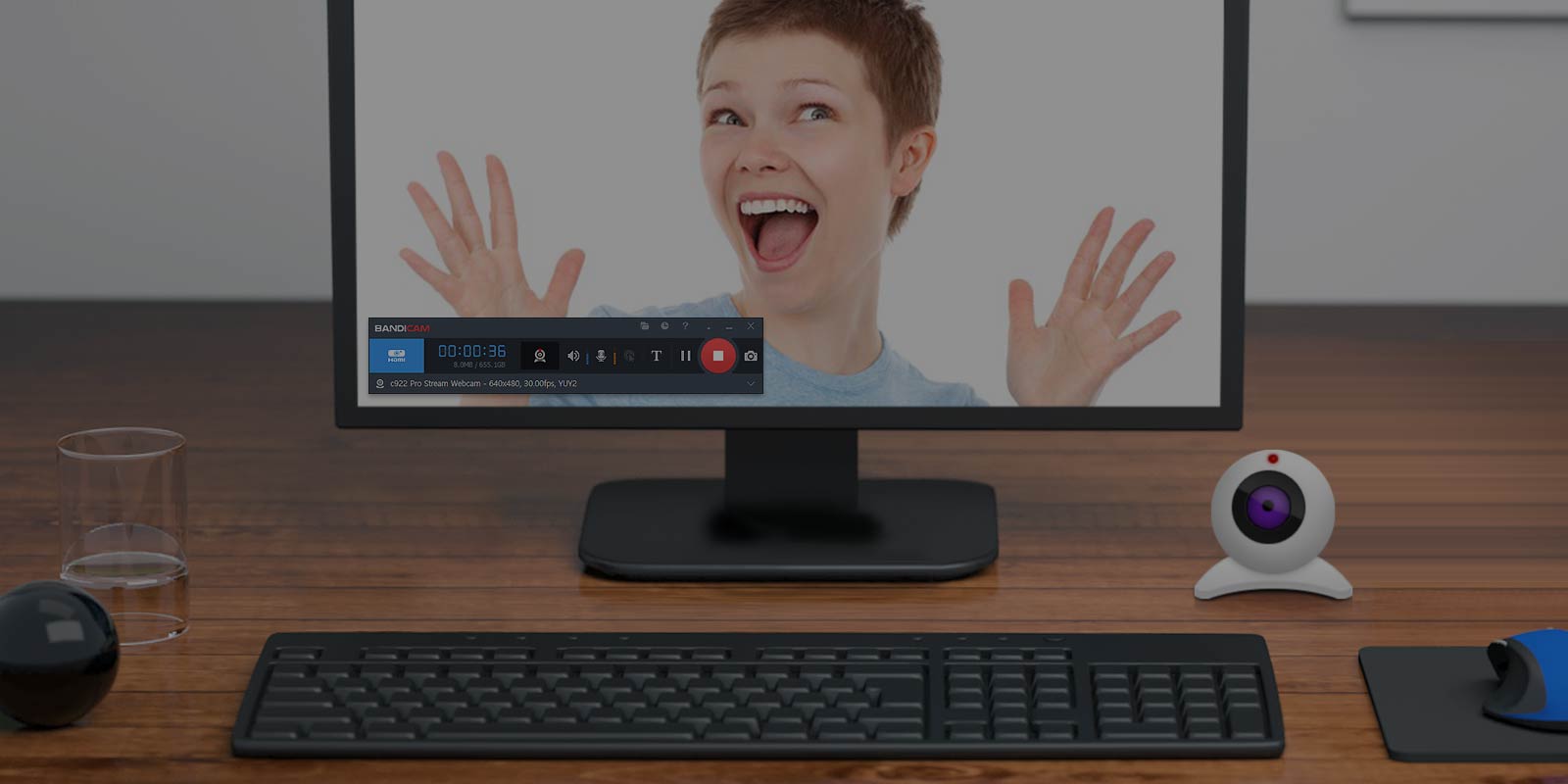
Webcam, HDMI capture, IPTV, consoles. Picture-in-picture overlay.
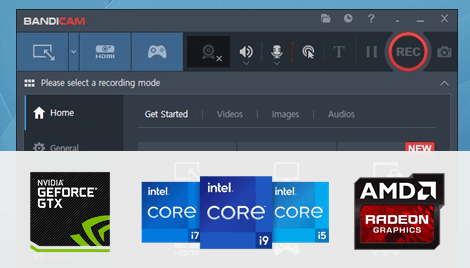
Hardware encoding
NVIDIA NVENC, Intel Quick Sync, AMD VCE. Smaller files, less CPU load.
Performance
High quality output with smaller file sizes
Recording specs at a glance
| Capability | Bandicam | Notes |
|---|---|---|
| Resolution | Up to 4K UHD | 3840×2160 support |
| Frame rate | Up to 480 FPS | Game recording mode |
| Codecs | H.264, HEVC, AV1 | GPU acceleration |
| Formats | MP4, AVI | Wide compatibility |
Enable hardware encoding to reduce CPU usage and keep games smooth while recording.
Quality controls that teams trust
Compatibility
Works with modern tools and Windows environments
Optimized for Windows 11/10
Bandicam is built for Windows systems and supports modern GPU encoders. It runs smoothly on laptops, desktops, and multi-monitor setups.
Supported technologies
Security-first distribution
Only use trusted sources. Bandicam does not bundle adware or spyware. Verify file signatures and download from the official provider or verified mirrors.
Customer voices
Professionals rely on Bandicam daily
“We use Bandicam for internal training. The file sizes are small enough to share instantly and the recordings stay crisp.”
“Game recording at 144 FPS is smooth, and the NVENC support keeps my CPU free while streaming.”
“The multi-monitor capture and window selection make it easy to record client demos without editing.”
Resources
Everything you need to get started
Find detailed guides, troubleshooting tips, and comparisons so you can choose the right setup and start recording fast.
Trust
Safe and widely used
Bandicam is developed by Bandicam Company. Download only from trusted sources. Trust & Security · FAQ – Is Bandicam safe?
FAQ
Clear answers before you download
Is Bandicam safe to install?
Yes. Bandicam is used by millions of users worldwide. It does not include adware or spyware when downloaded from trusted sources.
What is the difference between free and full version?
The free version has a 10-minute limit per recording and a watermark. The full version removes limits and enables scheduled recording.
Can I record 4K gameplay?
Yes. Bandicam supports 4K UHD and high FPS game recording, with hardware encoding for smooth capture.
Which GPUs are supported for NVENC/Quick Sync?
NVIDIA GTX 600+ for H.264, GTX 950+ for HEVC. Intel Quick Sync and AMD VCE/VCN are supported on many modern GPUs.
Download Bandicam
Free. All recording modes. No time limit, no watermark. System requirements · Guides
 Download Bandicam